
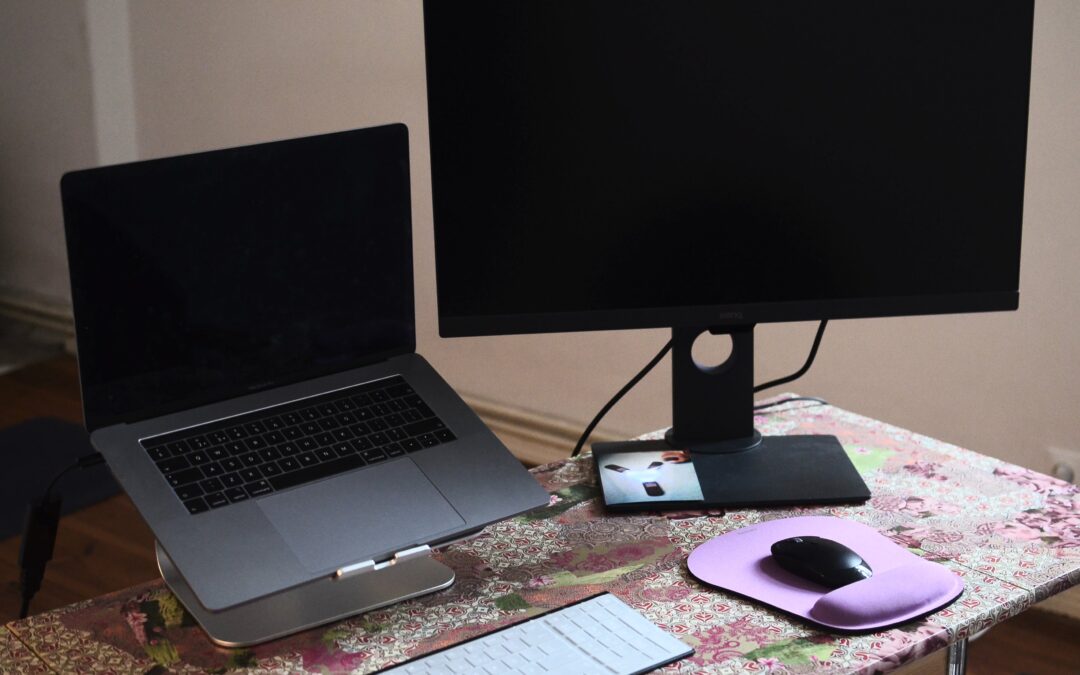
You have that same computer you are using for 5 years but it is getting to the point where it is slowing down or not taking recent upgrades. Finding the parts for these computers are either discontinued or too expensive to buy. If you are one of those users who still have that computer, it is time to replace it.
To find that perfect computer you will need to determine several factors such as budget, required performance, compatibility, and user preference.
Here’s a step-by-step guide on how to find your perfect computer:
- Assess User Needs: Determine your specific requirements. Are you using the computer for basic tasks like web browsing, email, and word processing, or do you need more powerful hardware for tasks like video editing or gaming?
- Set a Budget: Determine how much you are willing to spend on a new computer. This will help narrow down the options and focus on systems that offer the best value within their budget.
- Consider Compatibility: If you have peripherals such as printers, scanners, or specialized hardware, ensure that the new computer is compatible with these devices. Check for compatibility with operating systems and ports/connectivity options.
- Evaluate Performance: Look for a computer with hardware specifications that match your needs. This includes the processor (CPU), memory (RAM), storage (hard drive or SSD), and graphics capabilities. For basic tasks, a mid-range processor and 8GB of RAM should suffice. For more demanding tasks, consider higher-end components.
- Choose the Right Form Factor: Consider whether the user prefers a desktop, laptop, or all-in-one computer. Desktops offer more customization options and are generally easier to upgrade, while laptops provide portability.
- Check Warranty and Support: Look for computers that come with a warranty and good customer support. This ensures that the user will have assistance in case of any issues with the computer.
- Read Reviews and Compare Options: Research different computer models online, read reviews from users and experts, and compare specifications and prices. Websites like CNET, PCMag, and TechRadar offer comprehensive reviews and buying guides.
- Consider Refurbished or Older Models: If budget is a concern, consider purchasing a refurbished computer or opting for an older model. Refurbished computers are often tested, repaired, and certified by the manufacturer or a third-party refurbisher, making them a more affordable option.
- Future-Proofing: While it’s impossible to future-proof a computer entirely, consider choosing a system with upgradable components such as RAM and storage. This can extend the lifespan of the computer and allow for easy upgrades as needed.
- Check for Deals and Discounts: Keep an eye out for sales, discounts, and promotions from retailers. This can help you save money on the purchase of a new computer.
By following these steps, you will be able to find your computer that fits their needs and budget.